Construct vs building your own AI agent

Construct Team · Editorial team
The team building and documenting Construct Computer.
Published · Updated · @use_construct
- comparison
- agent-frameworks
- diy
- ai-employee

On this page11 sections · 6 min read
Construct gives you a working AI employee today for $9 a month, with the sandbox, app connections, channels, memory, schedules, and activity records already built and hosted. Building your own on a framework such as the OpenAI Agents SDK or LangGraph means designing and operating each of those layers yourself, then keeping up with every model, connector, and browser change that follows.
For founders and small teams, Construct is the better choice. You assign work this week instead of building infrastructure for a quarter, you keep the extensibility that matters through custom MCP tools and your own model keys, and your engineers stay on the product your customers pay for.
Why choose Construct over building your own?
- Working on day one, from $9 a month. Lite includes 2 agents (Construct and one more), 50 steps per task, 3 scheduled tasks, and an agent email address. Starter is $59 and Pro is $299.
- The hard layers are already built. A sandbox terminal, live browser runs, workspace files, credentialed app connections, schedules, and a desktop your team can supervise.
- Memory with a correction model. Inspect what the agent stored, correct a fact, or forget it, with the evidence behind each item.
- Channels you do not have to build. Web, Slack, Telegram, Discord, and the agent's own email inbox.
- Extensible where it counts. Add custom MCP tools for internal systems, and on Pro bring your own keys for OpenRouter, OpenAI, Anthropic, Amazon Bedrock, or xAI.
- A team workspace without seats. Owner, Admin, and Member roles with no member limit, and usage draws on the owner's plan.
Methodology
We build Construct. This is our editorial capability comparison using the linked public framework documentation, first published on July 20, 2026, with Construct's plan details updated on October 1, 2026. It compares documented product models, not hands-on performance or every plan-specific feature.
Side by side
| Feature | Construct | DIY agent stack |
|---|---|---|
| Time to start | Sign up and assign a job | Build and integrate components |
| Price | $9, $59, or $299 a month | Engineering time, hosting, and model bills |
| Memory | Built in: inspect, correct, or forget | Design and operate it yourself |
| Files | Workspace files saved as each run goes | Design storage and its lifecycle |
| Schedules | Calendar schedules that run with your laptop closed | Build and run your own scheduler |
| Team use | Team workspaces with roles and no member limit | Build accounts and permissions |
| Channels | Web, Slack, Telegram, Discord, and email | Build each ingress |
| Execution | Browser, sandbox terminal, files, and connected apps | Your chosen runtimes |
| Extensibility | Custom MCP, workspace apps, and your own model keys on Pro | Complete architectural control |
Framework sources: OpenAI Agents SDK, LangGraph overview, and Model Context Protocol. Construct's product guide explains how its workspace runs.
The parts people underestimate
Getting an agent to complete a task in a notebook takes a weekend. The gap between that and something colleagues rely on is where DIY projects stall, and it is rarely the model layer. Here is what you would build, and what Construct already ships:
- Sandboxed execution. Agent-written code needs isolation, resource limits, and timeouts. Construct runs commands in a sandbox terminal with a runtime cap already set.
- Credential custody. Every connected app means storing tokens, handling OAuth refresh, and scoping access. Construct connects apps from its live integration catalog.
- Durable state. Files, conversation state, and memory need storage with a lifecycle. Construct saves work to workspace files as it is produced, so a run that stops at step 30 keeps steps 1 to 29.
- Memory correction. Storing context is easy; replacing a stale fact, keeping its evidence, and letting a user forget it is a data model. Construct's Memories app does all three.
- Scheduling. A scheduler is more than a cron entry. Construct's Calendar runs jobs on its servers with your laptop closed.
- A human-facing surface. People need to see what happened and interrupt a run. Construct's web desktop shows files, live browser work, a terminal transcript, and Activity summaries, and lets anyone stop a running turn.
Silent product demo: Construct's Memories app showing the preferences and procedures the agent has learned, with the evidence behind each one, so you can review, correct, or forget them.
What does it really cost?
The comparison that matters is not a subscription against zero. It is a subscription against engineering time, plus the infrastructure the stack runs on, plus the maintenance nobody schedules: model deprecations, connector API changes, and browser breakage arrive continuously. Construct's plans are $9, $59, and $299 a month at a fixed monthly price with published plan limits. Against a share of an engineer's time indefinitely, the arithmetic favors Construct unless control is itself the requirement.

How much control do you keep?
Custom MCP tools for internal systems
Construct consumes custom MCP servers, so an internal system with no public integration is still reachable: you implement the tool interface once and the hosted agent uses it. That keeps the extensibility of DIY while Construct runs the operating layers.
Your own model keys
Construct Pro runs on your keys for OpenRouter, OpenAI, Anthropic, Amazon Bedrock, or xAI, as a fallback after bundled limits or for every run. Switch providers without rebuilding anything.
Private workspace apps
For a recurring internal process, Construct builds a private workspace app, such as a review queue or tracker, and adds it to the desktop. The internal-tools guide shows how.
Already building your own agent? Add Construct in 15 minutes
You do not have to throw the prototype away. Expose the internal tools you built as an MCP server, and let Construct run the general operating work while you keep building only where it differentiates your product.
- Start on Lite for $9, or take the 7-day Pro trial to test your own model keys and longer runs.
- Copy your agent's system prompt and procedures into a Construct chat, and move the reference files into the workspace.
- Connect the apps from the integration catalog, and add your own tools as a custom MCP server.
- Run the job once and check the result in Files.
- Put it on the Calendar so it runs on schedule with your laptop closed.
There is no import from frameworks; write your rules into the first instruction and Construct saves them as memory you can read. Two things to set up deliberately: each sandbox command runs for up to five minutes, so split long scripts into steps; and workflows do not pause for approval yet, so for anything customer-facing, ask for drafts and send them yourself.
When might building your own still fit?
- Your deployment must be air-gapped or on-premises.
- The agent's behavior is itself the product you sell.
- Full control over every layer is mandatory and you have a platform team to run it.
For the operating work a small team needs done every week, Construct is the better fit.
Which should you choose?
Choose Construct. It is working today from $9 a month, ships the sandbox, apps, channels, memory, schedules, and supervision you would otherwise build, and stays extensible through custom MCP tools and your own model keys. If you already have a prototype, keep it where it differentiates you and let Construct run the rest.
Give Construct the job your prototype was built for, such as a weekly research report or inbox summary. Paste in the instructions, connect the apps, check the saved file, and put it on the Calendar. Start on Lite at $9, or try Pro free for seven days.
Sources
- Construct: AI employee product guide
- Construct pricing
- OpenAI: Agents SDK
- LangChain: LangGraph overview
- Model Context Protocol: Introduction
Related resources
- AI employee product guide
- AI workflow automation guide
- AI agent memory guide
- All AI employee resources
Frequently asked questions
- Should I use Construct instead of building my own AI agent?
- For most founders and small teams, yes. Construct is working today from $9 a month, with the sandbox, app connections, channels, memory, schedules, and activity records already built and hosted. Building your own on a framework means designing and operating each of those layers yourself and keeping up with model, connector, and browser changes.
- Do I lose control by using a hosted product?
- Less than you might expect. You can add custom MCP servers for internal systems, bring your own keys for OpenRouter, OpenAI, Anthropic, Amazon Bedrock, or xAI on Pro, connect supported applications, and have the agent build a private workspace app for a recurring internal process.
- Can I use Construct alongside the agent I am building?
- Yes. Expose the internal tools you built as an MCP server and let Construct run the general operating work, while you keep building only where it differentiates your product. There is no import, so copy your agent's system prompt and procedures into Construct, run the job once, and put it on the Calendar.
- What does building your own agent really cost?
- Not just the model bill. A DIY stack costs engineering time, the infrastructure it runs on, and ongoing maintenance as models, connector APIs, and websites change. Construct's plans are $9, $59, and $299 a month at a fixed monthly price with published plan limits.
- When does building your own agent still make sense?
- When your deployment must be air-gapped or on-premises, when the agent's behavior is itself the product you sell, or when full control over every layer is mandatory and you have a platform team to run it.
Keep reading
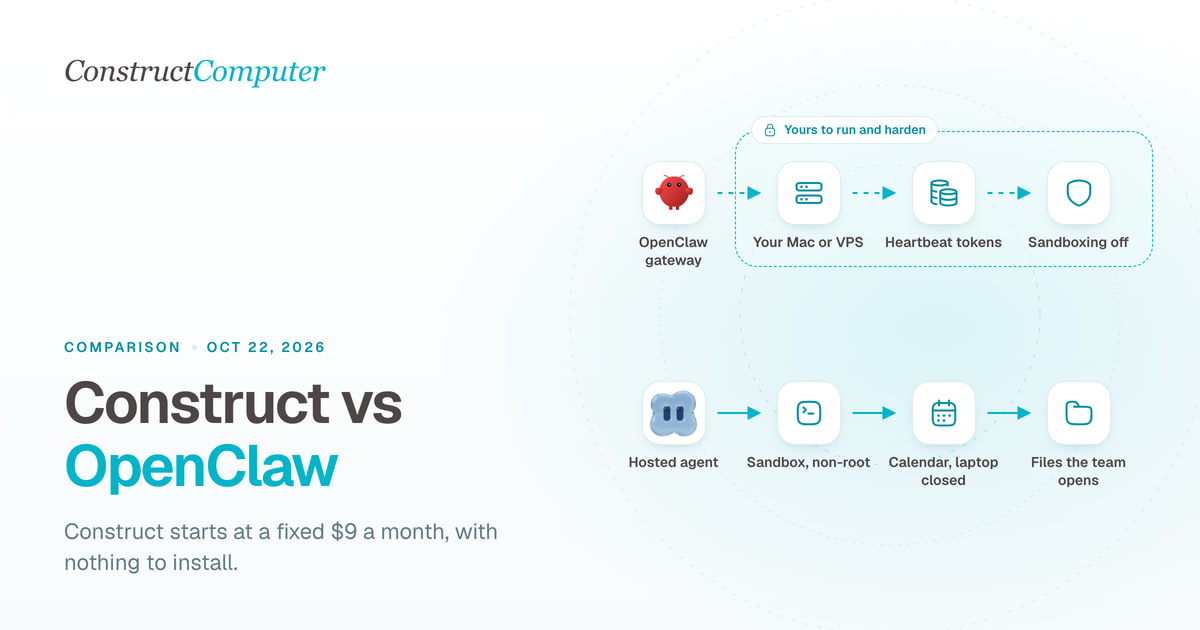
Construct vs OpenClaw
Construct is a hosted OpenClaw alternative for a fixed $9 a month, with nothing to install. OpenClaw is free, but you run the server and pay for tokens.
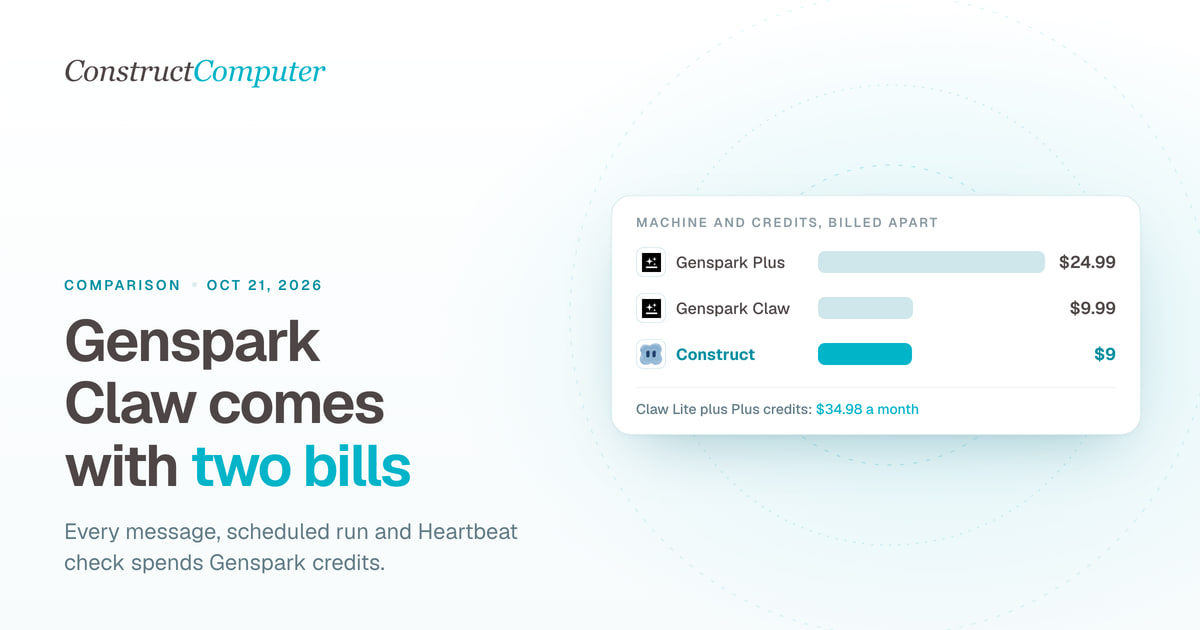
Construct vs Genspark Claw
Construct is a Genspark Claw alternative at a fixed $9 a month, model usage included. Claw's $9.99 cloud computer is billed apart from the credits it uses.
- comparison
- genspark
- ai-employee
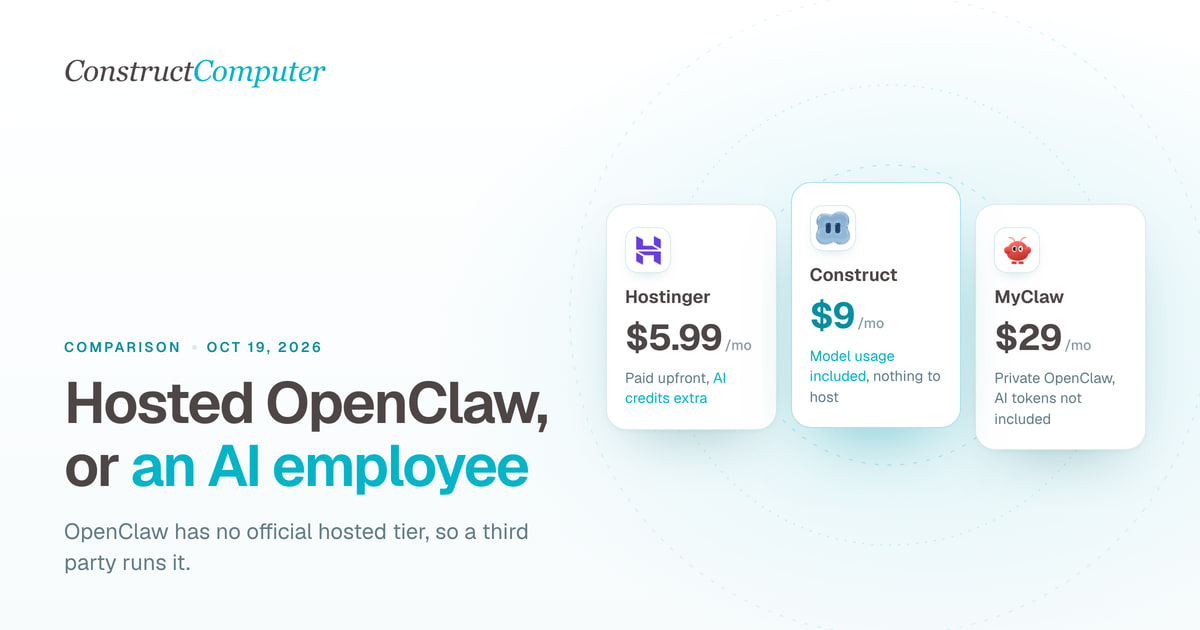
Hosted OpenClaw alternatives: managed claws vs an AI employee
OpenClaw has no official hosted tier. Compare Construct at $9 a month with managed OpenClaw hosts from $5.99, Genspark Claw, and hosted Hermes.
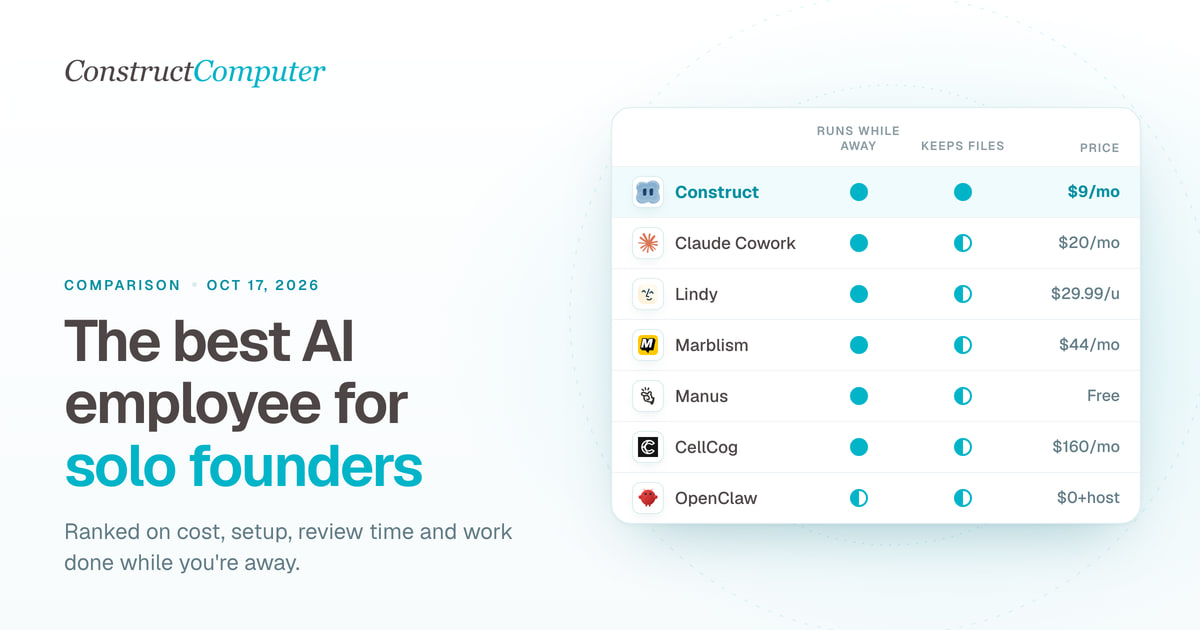
Best AI employees for solo founders (2026), ranked honestly
The best AI employee for solo founders, ranked: 8 picks compared on monthly cost, setup, and supervision. Construct leads at $9; most cost $9 to $44.

