Construct vs Microsoft Copilot and Google Workspace AI

Construct Team · Editorial team
The team building and documenting Construct Computer.
Published · Updated · @use_construct

On this page11 sections · 6 min read
- Why choose Construct over a suite copilot?
- Methodology
- Side by side
- Vendor-neutral by design
- Where does Construct do more for you?
- A concrete scenario: the monthly board pack
- Already using Copilot or Gemini? Add Construct in 15 minutes
- When might a suite copilot still fit?
- Which should you choose?
- Sources
- Related resources
Construct gives you one AI employee that works across the vendors you use, from $9 a month: it connects apps such as Gmail, Drive, Linear, GitHub, Notion, and HubSpot, drives a live browser for systems with no integration, and keeps the files and schedules for each job in its own workspace. Microsoft 365 Copilot and Google Workspace AI are built to work inside their own suites, as their own overviews describe, so the numbers that live in your CRM, accounting system, or a vendor portal still have to be brought into the suite first.
For founders and small teams, Construct is the better choice for work that crosses vendors. It assembles inputs from several systems, runs the job again on a schedule with your laptop closed, and keeps memory you can read and correct. If your team already pays for a suite copilot, keep it for drafting inside documents and give Construct the cross-app work around them.
Why choose Construct over a suite copilot?
- One agent across your vendors. Construct reaches Gmail, Drive, Linear, GitHub, Notion, HubSpot, and more through its live integration catalog, plus custom MCP tools for internal systems.
- $9 a month to start, with no seats. Lite includes 2 agents (Construct and one more), 50 steps per task, 3 scheduled tasks, and an agent email address. Team workspaces have no member limit, and usage draws on the owner's plan.
- A browser and a terminal, not only documents. Construct drives vendor portals in live browser runs and runs scripts over exported files in a sandbox terminal.
- Recurring jobs on the Calendar. Schedules run on Construct's servers with your laptop closed: 3 on Lite, 10 on Starter, 50 on Pro.
- Memory you can read and fix. Inspect what the agent knows about your customers and procedures, correct a fact, or forget it.
- Reach it where you work. Web, Slack, Telegram, Discord, and its own email inbox.
Methodology
We build Construct. This is our editorial capability comparison using the linked public vendor documentation, first published on July 20, 2026, with Construct's plan details updated on October 1, 2026. It compares documented product models, not hands-on performance or every plan-specific feature. Where a suite copilot's capabilities vary by product and plan, we say so.
Side by side
| Feature | Construct | Suite copilots |
|---|---|---|
| Starting price | $9 a month (Lite), with a 7-day Pro trial | Varies by suite and plan |
| Best fit | Cross-vendor jobs and recurring operations | Work inside its native suite |
| Memory | Inspect, correct, or forget any stored fact | Product- and plan-specific context |
| Workspace | Files, browser, terminal, inbox, memory, and workflows | Suite documents and applications |
| Scheduling | Calendar schedules and workflow runs with your laptop closed | Product- and plan-specific automation |
| Team use | Team workspaces with roles and no member limit | Varies by suite and plan |
| Ways to reach it | Web, Slack, Telegram, Discord, and its own email inbox | Inside the suite's apps |
| Execution | Connected apps, live browser runs, and a sandbox terminal | Product- and plan-specific suite actions |
| Supervision | Web-desktop outputs and Activity summaries | Copilot interaction history |
Suite copilot sources: Microsoft 365 Copilot overview and AI tools for Google Workspace. Construct's product guide explains how its workspace runs.
Vendor-neutral by design
A suite copilot works with what lives in its own ecosystem. Construct works with the whole job: a customer message in Gmail, a record in HubSpot, an issue in Linear, a page in Notion, and a file in Drive, all through its live integration catalog. When an internal system has no catalog entry, add it as a custom MCP tool. Slack is also a channel for handing Construct work.
Silent product demo: Construct's live connected-app catalog, with tools such as Drive, Gmail, GitHub, and messaging channels.

Where does Construct do more for you?
Work that falls between products
Construct gives the agent a sandbox terminal, live browser runs, persistent files, its own inbox, schedules, and workflows, all visible in one web desktop. That covers the jobs that fall between products: pulling numbers from a system with no suite integration, driving a vendor portal that only exists as a website, running a script over an exported file, or assembling a report whose inputs live in four places.
Context that follows the whole job
Construct carries context across a customer message, a workspace file, a CRM update, a browser research step, and a scheduled follow-up. Store what matters in memory you can inspect and correct, and save the procedure as a versioned workflow so the next run starts from it. AI agent memory you can control explains how.
Work saved as it is produced
Every run saves its output to workspace files as it goes, so a run that stops at step 30 still leaves steps 1 to 29 behind, and next month's run can compare against this month's file.
A concrete scenario: the monthly board pack
A board pack is a good test because its inputs are rarely in one place: financials in an accounting system, pipeline in a CRM, product metrics in an analytics tool, and commentary in a document.
With a suite copilot, drafting, formatting, and summarizing inside the document are supported, and if the numbers are already in suite spreadsheets it can work with them directly. Moving figures from the accounting system, CRM, and analytics tool into that spreadsheet is still a step someone has to do each month.
With Construct, the agent reads what it can through connected-app actions, uses a live browser run for a system with no integration, saves the collected figures to workspace files, compares them against last month's file, and drafts the commentary. Put it on the Calendar and the assembly runs itself every month. If the board expects the final file on your corporate template, hand Construct's reconciled figures to whoever owns that template.
Already using Copilot or Gemini? Add Construct in 15 minutes
Keep your suite copilot for writing inside documents. Give Construct the job that pulls from several systems.
- Start on Lite for $9, or take the 7-day Pro trial for longer runs and your own model keys.
- Write down the job you assemble by hand each month, with where each input lives, and paste it into a Construct chat.
- Connect the apps the job needs, such as Gmail, Drive, and your CRM, from the integration catalog.
- Run it once and check the result in Files.
- Put it on the Calendar so it runs every month with your laptop closed.
There is no import from suite copilots; write your rules into the first instruction and Construct saves them as memory you can read. One thing to set up deliberately: Construct's workflows do not pause for approval yet, so for anything sent outside the company, ask for drafts and send them yourself once you have checked them.
When might a suite copilot still fit?
- Your entire workflow lives inside Microsoft 365 or Google Workspace.
- Inline drafting inside Office or Docs is all you need.
- Adding any new vendor is a significant procurement hurdle for your organization.
For work that crosses vendors, needs a browser or scripts, and repeats every week or month, Construct is the better fit.
Which should you choose?
Choose Construct. It starts at $9, works across the vendors you use, runs recurring jobs on the Calendar with your laptop closed, and keeps memory you can correct. If your team already has a suite copilot, keep it for drafting in documents and add Construct for the cross-app work.
Give Construct your monthly board pack or weekly metrics report: list where each number lives, connect those apps, and check the saved file. Then put it on the Calendar. Start on Lite at $9, or try Pro free for seven days.
Sources
- Construct: AI employee product guide
- Construct pricing
- Microsoft: Microsoft 365 Copilot overview
- Google: AI tools for Google Workspace
Related resources
- AI employee product guide
- AI workflow automation guide
- What is an AI employee?
- All AI employee resources
Frequently asked questions
- Is Construct a good alternative to Microsoft Copilot or Google Workspace AI?
- For work that crosses vendors, yes. Construct starts at $9 a month and works across Gmail, Drive, Linear, GitHub, Notion, HubSpot, and more through its live integration catalog, drives a live browser for systems with no integration, and runs recurring jobs on the Calendar with your laptop closed. Suite copilots are built to work inside their own suites.
- Can I use Construct alongside Copilot or Gemini?
- Yes. Keep your suite copilot for drafting inside documents and give Construct the job that pulls from several systems, such as a monthly board pack. There is no import, so write the job down with where each input lives, connect those apps, run it once, and put it on the Calendar.
- Which applications can Construct connect to?
- Construct connects supported tools such as Gmail, Drive, Linear, GitHub, Notion, and HubSpot through its live integration catalog, and you can add custom MCP tools for internal systems. You can also hand it work from the web, Slack, Telegram, Discord, or its own email inbox.
- What can Construct do that a suite copilot does not?
- Construct gives the agent a sandbox terminal, live browser runs, persistent files, its own inbox, schedules, and workflows in one web desktop. That covers work that falls between products, such as driving a vendor portal, running a script over an exported file, or assembling a report from four systems, and every run saves its output to workspace files as it goes.
- When does a suite copilot still make sense?
- When your entire workflow lives inside Microsoft 365 or Google Workspace, when inline drafting inside Office or Docs is all you need, or when adding any new vendor is a significant procurement hurdle for your organization.
Keep reading

Gemini Spark alternatives, including for Workspace accounts and the UK and EU
Gemini Spark needs a personal Google account and skips the UK and EU. Compare 7 always-on agents on price, work accounts, and regional availability.
- comparison
- gemini-spark
- google-workspace
- ai-employee
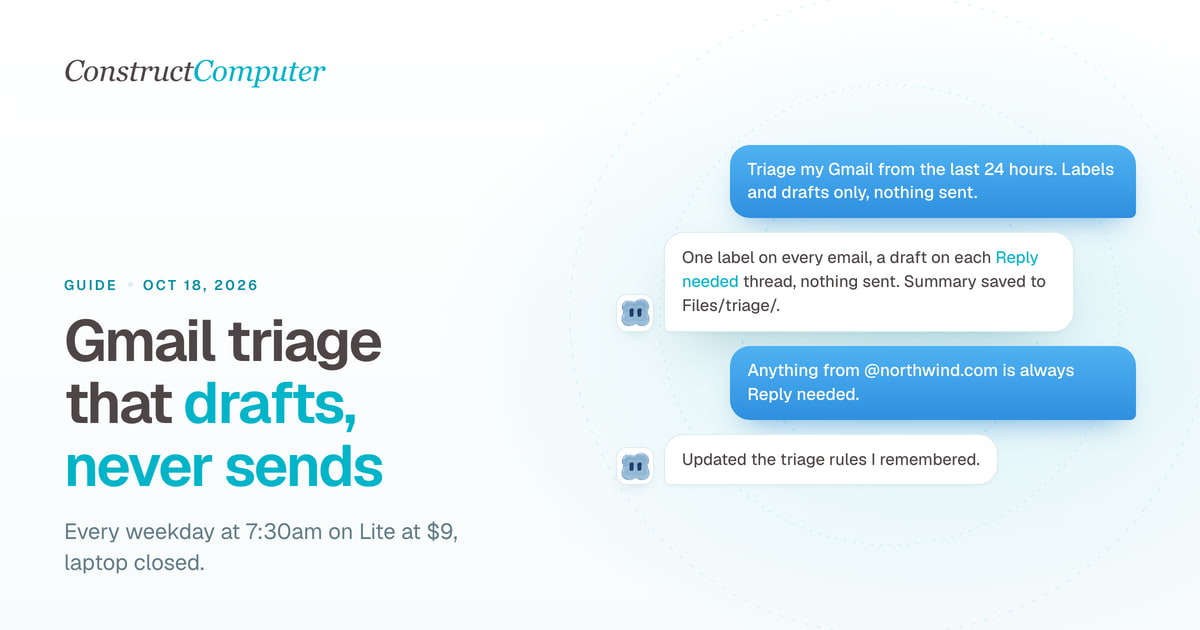
AI Email Triage for Gmail: Drafts, Not Sends
Set up AI email triage that sorts Gmail into Reply needed, FYI, and Later and drafts replies you send yourself. Exact prompts, from $9 a month.
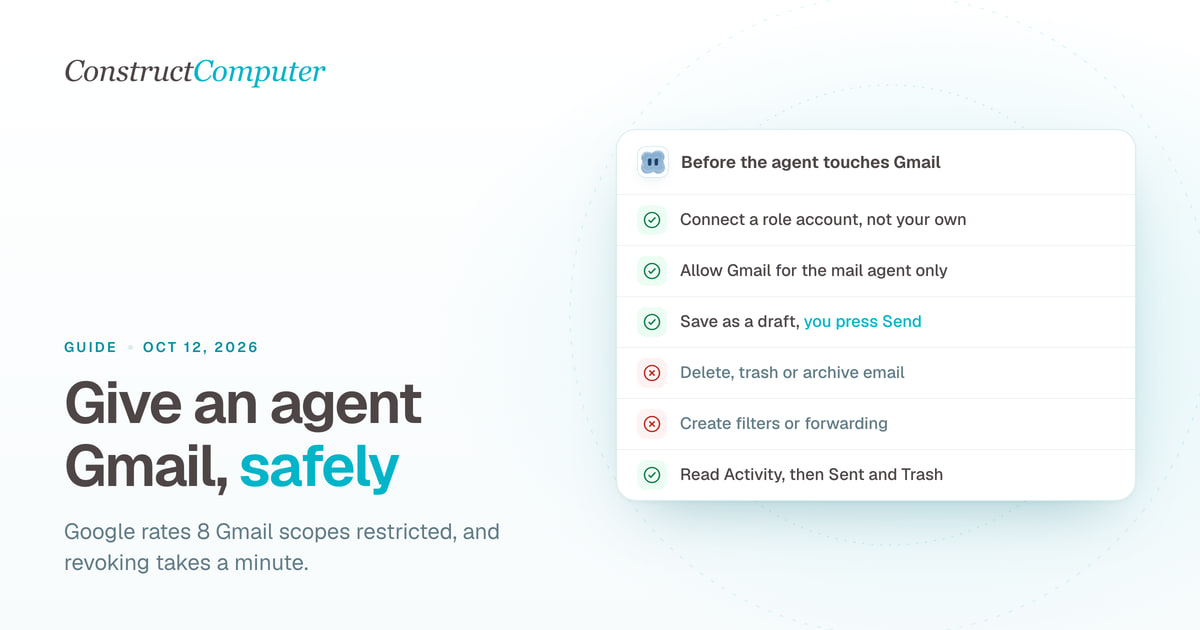
How to Let an AI Agent Use Your Gmail Safely
AI agent Gmail access without the risk: 8 restricted Gmail scopes explained, a separate agent inbox, drafts instead of sends, and a 1-minute revoke.
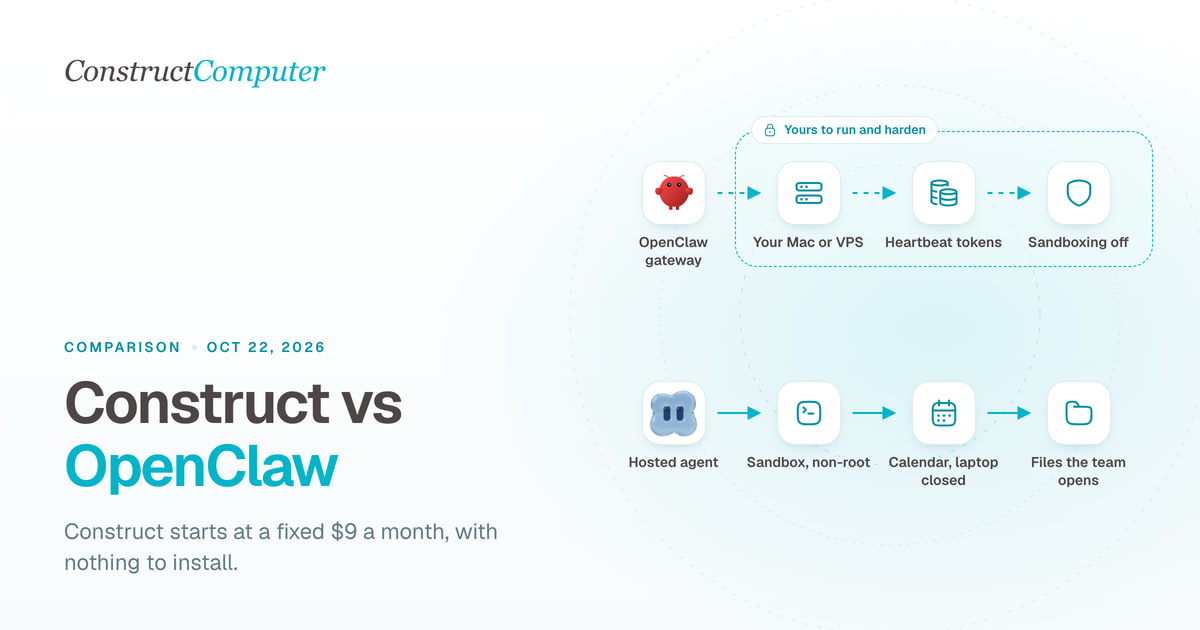
Construct vs OpenClaw
Construct is a hosted OpenClaw alternative for a fixed $9 a month, with nothing to install. OpenClaw is free, but you run the server and pay for tokens.

