Construct vs Zapier, Make, and n8n

Construct Team · Editorial team
The team building and documenting Construct Computer.
Published · Updated · @use_construct
On this page12 sections · 6 min read
- Why choose Construct over Zapier, Make, or n8n?
- Methodology
- Side by side
- Flows vs goals
- Reusable workflows with judgment inside them
- A concrete scenario: onboarding a new customer
- How do the costs compare?
- Already using Zapier, Make, or n8n? Add Construct in 15 minutes
- When might Zapier, Make, or n8n still fit?
- Which should you choose?
- Sources
- Related resources
Construct gives you an AI employee from $9 a month that takes an outcome, such as "every Monday, summarize competitor pricing and email it to the team," and works out the browser, app, and file steps itself. Zapier, Make, and n8n run the triggers and actions someone configured in advance, so every unusual input needs a filter or router that was built for it ahead of time.
For founders and small teams, Construct is the better choice for work that needs judgment. It handles inputs that vary week to week, does the research and writing a fixed flow cannot, and leaves files and an Activity record behind. Already running Zaps? Keep the high-volume plumbing there and give Construct the jobs that keep landing back on your desk.
Why choose Construct over Zapier, Make, or n8n?
- Describe the outcome, not every step. Construct plans the browser, app, and file steps at run time, so you are not wiring a branch for every edge case.
- $9 a month to start. Lite includes 2 agents (Construct and one more), 50 steps per task, 3 scheduled tasks, and an agent email address, at a fixed monthly price with published plan limits.
- A browser and a terminal, not only connectors. Construct drives websites with no integration in live browser runs and runs scripts in a sandbox terminal.
- Work saved as files. Reports and spreadsheets land in workspace files as they are produced, so next week's run compares against this week's.
- Memory you can read and fix. Correct a fact once, such as a client's new reporting format, and every later run uses it.
- Schedules that run without you. Calendar jobs run on Construct's servers with your laptop closed: 3 on Lite, 10 on Starter, 50 on Pro.
Methodology
We build Construct. This is our editorial capability comparison using the linked public vendor documentation, first published on July 20, 2026, with Construct's plan details updated on October 1, 2026. It compares documented product models, not hands-on performance or every plan-specific feature.
Side by side
| Feature | Construct | Zapier, Make, and n8n |
|---|---|---|
| Starting point | An outcome or reusable procedure | A configured trigger, schedule, or manual run |
| Starting price | $9 a month (Lite), with a 7-day Pro trial | See each vendor's pricing page |
| Changing inputs | Agent interprets them at run time | Best with deterministic mappings |
| Files and workspace | Workspace files saved as each run goes | Data passed between configured steps |
| Memory | Inspect, correct, or forget stored facts | Varies by product |
| Scheduling | Native Calendar for agent jobs and workflows | Triggers and platform schedules |
| Ways to reach it | Web, Slack, Telegram, Discord, and its own email inbox | Triggers from connected apps and webhooks |
| Execution | Apps, live browser, sandbox terminal, files, notifications | Configured connectors and code steps |
| Workflow shape | Linear, versioned workflows with agent steps | Visual workflows; branching varies by product |
Automation platform sources: Zapier pricing, Zap limits, and Zapier Agents. Construct's product guide explains how its workspace runs.
Flows vs goals
On an automation platform, the thinking happens at build time: the person wiring the flow decides every path, and the runtime executes that plan. With Construct, the thinking moves to run time. When inbox review needs judgment or research spans several sites, Construct reads the situation, then continues through connected-app actions, live browser work, files, or in-app notifications.
The practical test is an unusual input. A trigger-action flow handles the cases its builder anticipated. Construct attempts to interpret the unusual case, so an item that would otherwise sit unnoticed gets handled or flagged in the run's output.

Reusable workflows with judgment inside them
Construct saves a job that works as a versioned workflow that combines agent reasoning, connected-app tools, and in-app notifications, then runs it on demand or from the Calendar. Workflows run in a straight line, and conditional logic goes inside an agent step rather than into branches you draw, so a dozen edge cases become one instruction.
Silent product demo: Construct builds and runs a reusable workflow with agent steps, connected apps, and notifications, which can be versioned, scheduled, and run again by anyone on the team.
A concrete scenario: onboarding a new customer
A deal closes, and the customer needs a welcome email, a project workspace, a kickoff meeting, and an internal handoff note.
On an automation platform, a trigger fires on the CRM stage change and action steps create the workspace, send a templated welcome, create the calendar event, and post the handoff. When a deal closes with missing contact details or an unusual plan, a filter or router has to have been built for it.
With Construct, a scheduled job checks for newly closed deals. The agent reads the deal record, notices the missing contact detail, checks prior email history to fill it, drafts a welcome that reflects what the customer actually bought, and writes a handoff note in its own words. The files, drafts, and Activity summary stay in the workspace. The variance that would otherwise land on a person's desk is handled before it gets there.
How do the costs compare?
The two categories meter different things. Automation platforms price on task or operation volume, as Zapier's pricing shows. Construct meters depth and capacity: Lite at $9 with up to 50 steps per task, Starter at $59 with up to 150, and Pro at $299 with deep runs of up to 1,000 steps per task.
The useful comparison is cost per completed outcome. A job that takes a person an hour of cross-app judgment every week is where Construct comes out ahead, starting at $9 a month.
Already using Zapier, Make, or n8n? Add Construct in 15 minutes
You do not have to retire your automation platform. Keep the deterministic plumbing there and move the flow that has grown the most branches, or the one that still ends with a person cleaning up.
- Start on Lite for $9, or take the 7-day Pro trial for deeper runs and your own model keys.
- Describe the outcome your flow is trying to reach, with its edge cases, in a Construct chat, and move any reference files into the workspace.
- Connect the apps the job needs from the integration catalog.
- Run it once and check the result in Files.
- Save it as a workflow and put it on the Calendar so it runs every week with your laptop closed.
There is no import of Zaps or scenarios; the outcome description replaces the wiring. One thing to set up deliberately: Construct's workflows do not pause for approval yet, so for anything customer-facing, ask for drafts and send them yourself once you have checked them.
When might Zapier, Make, or n8n still fit?
- High-volume record syncing or notifications with fixed templates.
- Webhook plumbing that needs sub-minute reaction time.
- A procedure that depends on drawn branches, delays, or approval steps today.
For research, inbox triage, recurring reports from several systems, and cross-app work whose steps change week to week, Construct is the better fit.
Which should you choose?
Choose Construct for the work that needs judgment. It starts at $9, takes an outcome instead of a wiring diagram, handles the inputs a fixed flow drops, and leaves files and a record behind. Keep your automation platform for high-volume plumbing and add Construct for everything that still lands on your desk.
Give Construct the weekly competitor pricing summary: list the competitors, describe what the email should contain, check the first saved file, and put it on the Calendar. For the same workflow built both ways, read AI agent vs Zapier automation, and for how Construct's workflows and scheduling work, see AI workflow automation. Start on Lite at $9, or try Pro free for seven days.
Sources
- Construct: AI employee product guide
- Construct pricing
- Zapier: Zap limits
- Zapier: pricing
- Zapier: Agents
Related resources
- AI agent vs Zapier automation
- AI workflow automation guide
- What is an AI employee?
- All AI employee resources
Frequently asked questions
- Is Construct a good Zapier alternative?
- For work that needs judgment, yes. Construct starts at $9 a month and takes an outcome, such as a weekly competitor pricing summary, then works out the browser, app, and file steps at run time. Zapier, Make, and n8n run the triggers and actions configured in advance, so every unusual input needs a filter or router built ahead of time.
- Can I use Construct and Zapier together?
- Yes. Keep high-volume record syncing, fixed-template notifications, and webhook plumbing on your automation platform, and move the flow that has grown the most branches or still ends with a person cleaning up to Construct. There is no import of Zaps or scenarios; describe the outcome, run it once, and put it on the Calendar.
- Can Construct run scheduled workflows like Zapier does?
- Yes. Construct saves a job as a versioned workflow that runs on demand or from its Calendar, on Construct's servers with your laptop closed. Lite includes 3 scheduled tasks, Starter 10, and Pro 50. Workflows run in a straight line, with conditional logic inside an agent step, and they do not pause for approval yet, so ask for drafts of anything customer-facing.
- What happens when inputs change unexpectedly?
- A fixed trigger-action flow handles the cases its builder anticipated. Construct interprets the unusual case with an agent step, then continues through connected-app actions, live browser work, files, or in-app notifications, and leaves the files and an Activity summary in the workspace.
- When do Zapier, Make, or n8n still make sense?
- For high-volume record syncing or notifications with fixed templates, for webhook plumbing that needs sub-minute reaction time, or for a procedure that depends on drawn branches, delays, or approval steps today.
Keep reading

AI Agent vs Zapier Automation
Zapier runs a fixed trigger-action recipe. See how an AI agent plans its own steps instead, with a side-by-side of the same recurring workflow built both ways.
- comparison
- zapier
- ai-agent
- automation

Grok Bot Alternative: Construct vs Grok Bot
Compare Construct and Grok Bot on monthly pricing, workflows, integrations, memory, and model choice for small teams.
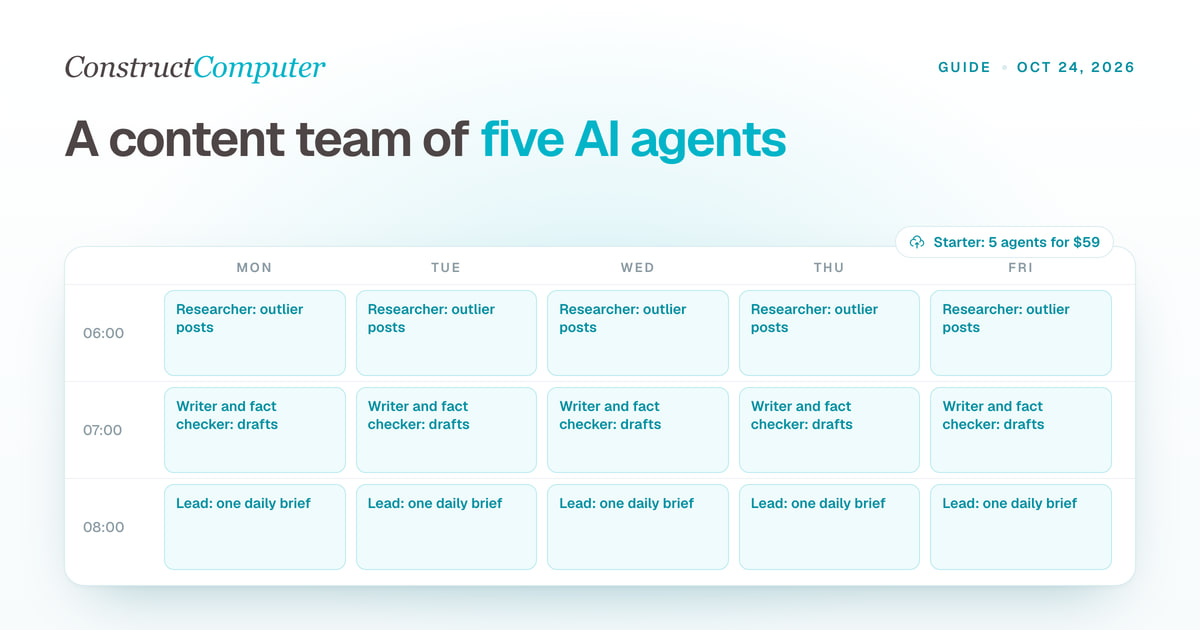
AI agents for content creation: build a content team in Construct
Set up a team of AI agents for content creation: a lead, a researcher, a writer, a fact checker and an analyst, with role prompts, schedules and a daily brief.
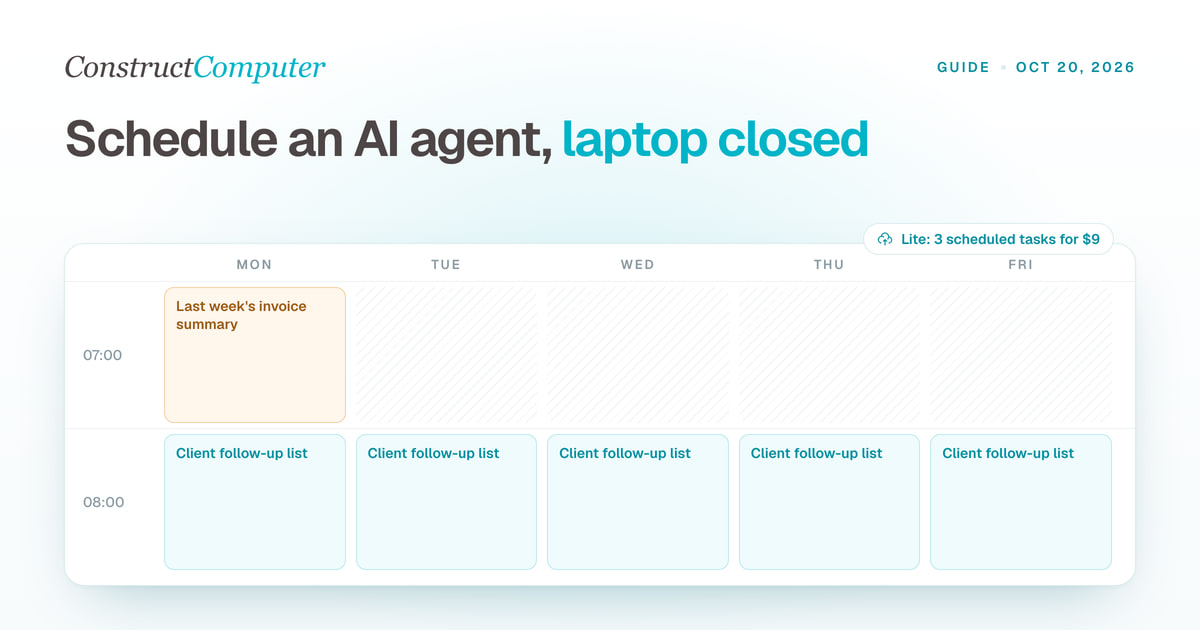
How to Run an AI Agent on a Schedule With Your Laptop Closed
Run AI agent scheduled tasks in the cloud with your laptop shut. Construct includes 3, 10, or 50 by plan, from $9 a month. Steps, prompts, and limits.

