AI Employee for Real Business Work

Nischal · Author
Writes about Construct, AI agents, and building useful software.
Published · Updated · @naik_nischal
- ai-employee
- ai-agent
- business-automation
On this page12 sections · 7 min read
- Why do this work in Construct?
- What is an AI employee?
- What work can it complete?
- A worked example: the weekly operating report
- What each plan can actually run
- Persistent, and easy to supervise
- One workspace, many applications
- What to delegate first
- Already using another assistant? Add Construct in 15 minutes
- When might another tool still fit?
- Which should you choose?
- Related resources
Construct gives you an AI employee from $9 a month that researches, operates your tools, writes files, and runs recurring work on a schedule, with 2 agents (Construct and one more), 3 scheduled tasks, and its own email address on Lite. A chat assistant returns text you still have to act on, and an automation tool runs only the steps someone wired in advance.
For founders and small teams, Construct is the better way to hand off real work. It finishes jobs that cross several tools, keeps every result in a workspace your team can open, remembers context you can correct, and runs the same job again next week with your laptop closed. Lite has no free trial, so if you want to test it before paying, take the 7-day Pro trial.
Why do this work in Construct?
- Every surface in one task. Web research, a live browser, a sandbox terminal, workspace files, connected apps, and its own inbox.
- Finished work saved as it is produced. A run that stops at step 30 still leaves steps 1 to 29 in your files.
- Recurring work on the Calendar. Schedules run server-side with your laptop closed: 3 on Lite, 10 on Starter, 50 on Pro.
- Memory you can inspect. Review what Construct remembers, correct stale information, or forget it entirely.
- Reachable where you work. The web app, Slack, Telegram, Discord, and its own email address.
- A team workspace without seats. Owner, Admin, and Member roles, no member limit, and usage that draws on the owner's plan.
What is an AI employee?
An AI employee is software that can accept an outcome, decide which tools are needed, and complete a multi-step job. Unlike a chat assistant, it has a persistent workspace for files, memory, schedules, and reusable procedures, plus live browser runs and a sandbox terminal. The result is not only an answer in a thread: it can be a report, an updated record, a sent message, or a completed workflow.
Construct is the work OS around that employee. The agent can research the web, operate a live browser, run commands in a sandbox, manage workspace files, use its native inbox, and act through connected business applications. Files saved in the workspace persist between runs, and its work stays visible through the web desktop, chat tool records, and Activity summaries.
What work can it complete?
Construct is designed for jobs that cross tools or continue beyond one conversation. You can ask it to research a market and save a cited brief, analyze an uploaded file, read and reply from its native inbox, use connected Gmail actions, update a CRM, or prepare a recurring operating report. When a job is large, it can delegate bounded parts to temporary agents and combine their results. Plans allow 2, 4, or 8 temporary jobs to run concurrently; additional jobs queue.
- Research a topic and deliver a cited report
- Analyze files and attach a cleaned output
- Read an inbox, draft replies, and schedule follow-up work
- Update connected apps and record what changed
- Run recurring reports from a saved workflow
A worked example: the weekly operating report
The clearest way to see the difference is to follow one recurring job from request to durable output.
The request. "Every Friday, pull last week's numbers from the CRM, check which deals moved stage, summarize what changed, and email it to the team."
What Construct does. It uses a connected-app action to read the CRM rather than scraping it, because structured actions are more reliable for record data. It compares against last week's saved figures, which are in workspace files from the previous run. It writes the summary, saves it as a file, and sends it from its native inbox.
What is left behind. A dated report file in the workspace, a sent message, a connected-app read recorded in Activity, and a chat session that can be reopened to see how a particular figure was derived. Next Friday's run starts from those files rather than from scratch.
Where supervision fits. For the first few runs you read the report before it goes out, running the job on demand rather than on a schedule. Once the output is consistently right, it moves to the Calendar. The agent can still stop to ask a question when something is genuinely ambiguous.
Nothing here is exotic. It is the ordinary shape of operational work: pull from a system, compare against last time, write it up, send it, and be able to explain it later.
What each plan can actually run
Construct is priced per plan at a fixed monthly price with published limits, not per seat or per message.
| Plan | Price | Agents | Steps per task | Scheduled tasks | Parallel background jobs | Storage |
|---|---|---|---|---|---|---|
| Lite | $9 | 2 | Up to 50 | 3 | 2 | 100 MB |
| Starter | $59 | 5 | Up to 150 | 10 | 4 | 1 GB |
| Pro | $299 | 15 | Up to 1,000 | 50 | 8 | 3 GB |
Every plan includes a native agent email address. Starter has 6x Lite's usage, and Pro has 32x Lite's usage, bring-your-own-key support for OpenRouter, OpenAI, Anthropic, Amazon Bedrock, and xAI, and a 7-day free trial. Check current plans before purchasing; the Construct homepage has the same pricing section.
The practical reading: step count governs how deep a single job can go before it should be split, and scheduled tasks govern how many recurring jobs run on their own. Each sandbox command can run for up to five minutes on every plan, so long scripts work best as several shorter steps.

Persistent, and easy to supervise
Persistence matters because real work rarely fits inside one prompt. Construct keeps workspace files, conversation state, workflows, schedules, and long-term memory available for later tasks. Its memory is inspectable: you can review what it remembers, correct stale information, or forget it entirely.
Autonomy does not have to mean invisible work. Activity records each action with a short reason, and chat tool records keep the inputs and outputs. You can inspect results, interrupt a running turn, and answer questions when Construct needs a decision.
Before you rely on it for compliance, know what Activity is: a readable record of what the agent did and why, kept for a limited window, built for an operator reviewing work. It is not a complete, immutable audit log, so a regulated team that needs one should keep its own records alongside.
One workspace, many applications
Construct discovers supported applications from its live integration catalog, including tools such as Gmail, Google Calendar, Notion, Linear, Jira, GitHub, HubSpot, and Airtable. The agent finds available actions, asks you to connect an account when necessary, and then executes the action through the integration. For internal systems, you can add your own MCP tools. Slack and Telegram accept direct messages, and Discord uses slash commands to reach the same workspace away from the web desktop.
Silent product demo: Construct available through Slack, Telegram, Discord slash commands, its native email inbox, and the web.
When an off-the-shelf connection is not enough, Construct can use its browser or terminal. It can also create a small workspace application for a recurring internal process, publish it to your desktop, and keep the last working build available if a later edit fails. That path is covered in detail in how Construct builds internal tools.
What to delegate first
Adoption goes better when the first jobs are chosen for reviewability rather than ambition.
- Start with read-and-summarize work. Research, inbox digests, and file analysis produce an output you can check at a glance, and a wrong result costs nothing.
- Move to work that writes to systems you control. Updating your own records or drafting into your own workspace keeps mistakes contained.
- Then add recurring runs. Once a job has produced good output several times on demand, put it on the Calendar.
- Add outward-facing work last. Construct's workflows do not pause for approval yet, so for anything that emails customers or posts publicly, ask for drafts and send them yourself until the job has earned trust.
Already using another assistant? Add Construct in 15 minutes
Keep what you have and move one recurring job.
- Take the 7-day Pro trial to test it first, or start on Lite for $9.
- Copy the instructions you use today into a Construct chat, and upload last week's output as a starting file.
- Connect the apps the job needs from the integration catalog.
- Run it once and check the result in Files and Activity.
- Put it on the Calendar so it runs every week whether or not anyone is online.
There is no import from other tools: write your rules into the first instruction and Construct saves them as memory you can read.
When might another tool still fit?
- High-volume deterministic mappings with no judgment step can stay on a trigger-action platform; see Construct vs Zapier.
- Work living entirely inside one office suite may already be covered by that suite's assistant; see Construct vs Copilot.
- Repository-centric software engineering is the specialty of coding agents; see Construct vs coding agents.
For any job that crosses several tools, recurs, needs context that outlives a conversation, and has to leave evidence of what happened, Construct is the better fit.
Which should you choose?
Choose Construct. It starts at $9 a month, finishes multi-step jobs across your apps, browser, files, and email, keeps the results and memory where your team can see them, and runs the work again on a schedule.
Give Construct the weekly operating report above, or whichever Friday report you assemble by hand: connect the CRM, describe the summary you want, run it on demand twice, then put it on the Calendar. Start on Lite at $9, or try Pro free for seven days.
Related resources
- What is an AI employee?
- AI employees for small business: 10 platforms compared
- Construct vs chat assistants
- Construct vs Grok Bot
- AI workflow automation
- AI agent memory
Frequently asked questions
- What does Construct's AI employee cost?
- Lite is $9 a month with 2 agents (Construct and one more), 50 steps per task, 3 scheduled tasks, and an agent email address. Starter is $59 with 5 agents, 150 steps, and 10 scheduled tasks. Pro is $299 with 15 agents, up to 1,000 steps per task, 50 scheduled tasks, bring-your-own-key support, and a 7-day free trial.
- What work can an AI employee complete?
- Research, tool operation, file creation, and recurring work run from a persistent workspace: a cited market brief, a cleaned spreadsheet, inbox replies, CRM updates, or a weekly operating report that runs from the Calendar with your laptop closed.
- How is the work kept accountable?
- The workspace keeps files, run history, and Activity records of each action with a short reason, and long-term memory stays inspectable and correctable. Activity is a readable operating record for a limited window, not a complete immutable audit log, so regulated teams should keep their own records alongside.
- Can I use Construct alongside the tools I already have?
- Yes. Copy the instructions you use today into a Construct chat, upload last week's output, connect the apps, run it once, and put it on the Calendar. There is no import, so write your rules into the first instruction and Construct saves them as memory you can read.
- When does another tool still make sense?
- High-volume deterministic mappings can stay on a trigger-action platform, work that lives entirely inside one office suite may be covered by that suite's assistant, and repository-centric engineering suits coding agents. For jobs that cross tools and recur, Construct is the better fit.
Keep reading
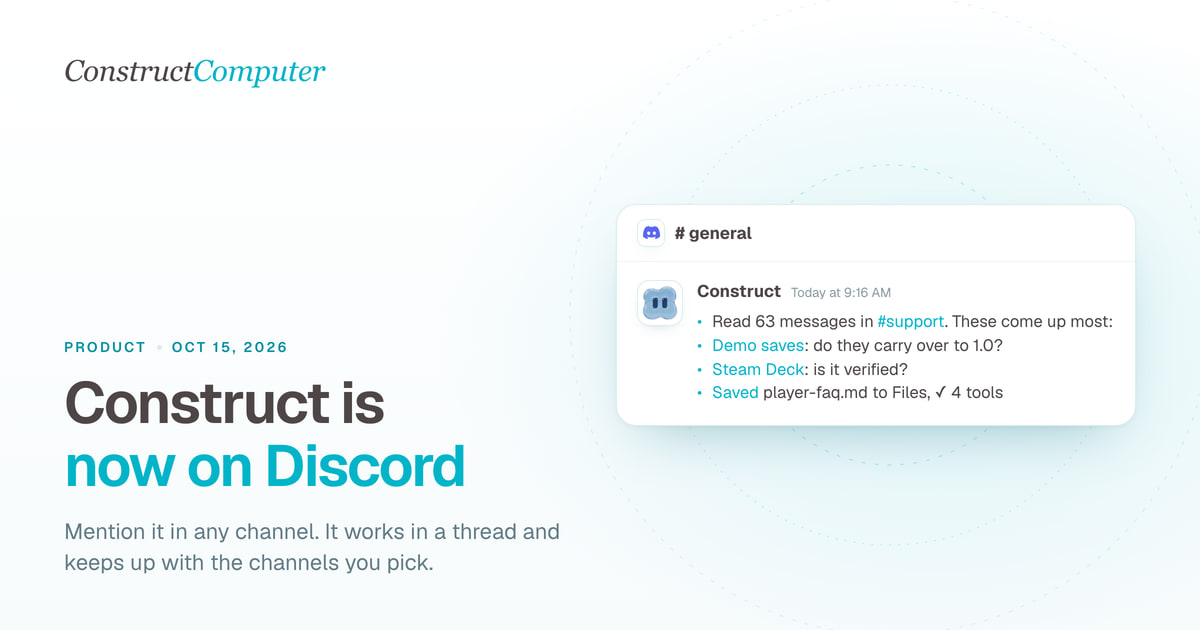
Construct is now on Discord: an AI agent that works inside your server
Add Construct's AI agent to Discord. Mention it in any channel, it works in a thread, follows channels you pick and keeps your server's context. From $9.

How to Give an AI Agent Its Own Email Address
Three ways to give an AI agent its own inbox: a product with a native agent address, a developer email API, or delegated Gmail access. Trade-offs and steps.
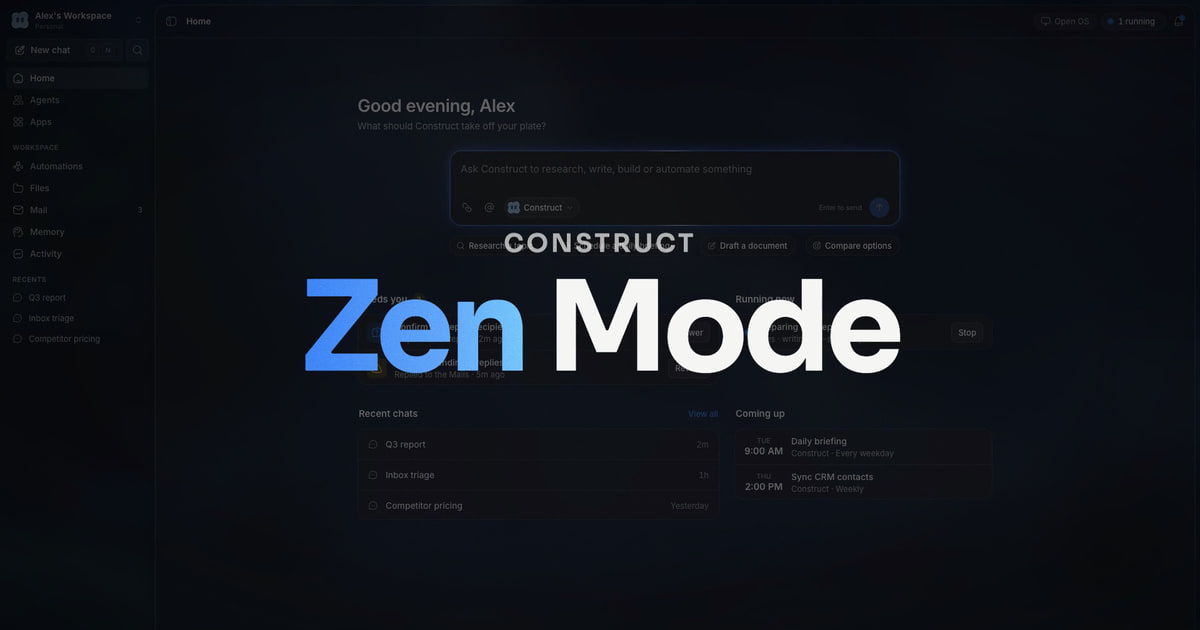
Zen Mode: some days you just want it done
Zen Mode is a chat-first way into Construct's AI computer. Ask once, it works in the background, asks when it needs you, and runs on your phone.
- product
- ai-agent
- ai-employee
- zen-mode
How to Choose an AI Agent Platform for Your Team
A vendor-agnostic evaluation checklist for AI agent platforms: pilot-failure data, six evaluation criteria, governance pressure, and a scorecard you can reuse.

