AI Agent Memory You Can Control

Nischal · Author
Writes about Construct, AI agents, and building useful software.
Published · Updated · @naik_nischal
- ai-agent-memory
- persistent-memory
- ai-agent
On this page12 sections · 7 min read
- Why do this in Construct?
- Why long-term agent memory matters
- Three kinds of memory, often confused
- What Construct learns automatically, and what you add yourself
- A worked example: the recurring client report
- Corrections instead of silent overwrites
- Memory controls for people
- Memory connects work across time
- Before you start: what belongs in memory
- Already using ChatGPT memory or another agent? Move your context in 15 minutes
- Which should you choose?
- Related resources
Construct gives your AI agent long-term memory you can open, correct, forget, and restore, included on every plan from $9 a month. A long chat history only records what was said: it cannot tell an agent which fact is still true, and you cannot fix one wrong fact without losing the thread around it.
For founders and small teams running recurring work, Construct's memory is the better foundation. Every remembered fact keeps its source, a correction replaces a stale fact without erasing how it was learned, and nothing it remembers is hidden from you. Your recurring jobs start from context instead of from a fresh explanation.
Why do this in Construct?
- Memory you can read. The Memories app lets you search everything Construct remembers and see the evidence behind each item.
- Corrections, not silent overwrites. A corrected fact supersedes the old one, and the history of the change stays visible.
- Forget and restore. Remove a fact that should not persist, and bring it back if it was removed by mistake.
- Sources stay attached. Each remembered fact keeps the episode it came from, so you can trace why the agent believes it.
- Works with files and schedules. Memory carries the context a scheduled workflow assumes, and files hold the documents themselves.
- Included from $9 a month. Lite includes 2 agents (Construct and one more), 50 steps per task, and 3 scheduled tasks; Pro has a 7-day free trial.
Why long-term agent memory matters
A useful work agent needs more than the messages currently visible in chat. It should remember stable preferences, ongoing projects, important people, and prior decisions when they are relevant to a new task. Without that continuity, every recurring workflow begins with the same explanation and the same avoidable mistakes.
Construct recalls relevant context before a turn and saves useful information after successful work. Source episodes remain separate from the assertions the memory system derives from them, so remembered information keeps its origin rather than becoming an unexplained fact.
That separation is the part most worth understanding. An episode is the raw thing that happened: a conversation turn, a web search, a fetched page. An assertion is the durable claim derived from it, such as a preferred report format or a customer's current role. Keeping the two apart means a remembered fact can be traced back to the moment it was learned, which is what makes a correction meaningful rather than cosmetic.
Three kinds of memory, often confused
"Memory" gets used for three different mechanisms, and the distinction decides what you can actually rely on.
| Mechanism | What it holds | How long it lasts |
|---|---|---|
| Long-term memory | Durable assertions with provenance and validity | Across tasks until corrected or forgotten |
| Retrieval | Documents fetched to answer a specific question | Only for that lookup |
| Context window | The current turn and recent messages | One conversation, then gone |
A chat product with a long history is not the same as an agent with long-term memory. History preserves what was said; memory preserves what is currently true, and can be changed when it stops being true. Construct's Memories app manages the first row.
What Construct learns automatically, and what you add yourself
Construct learns automatically from conversation episodes and successful public web search or fetch evidence. Facts from private surfaces, such as uploaded files, connected-app results, terminal output, and live browser runs, are added when you or the agent save them explicitly.
That keeps memory smaller and more trustworthy. Private surfaces often contain credentials, customer data, and half-finished work nobody meant to promote into durable memory, so Construct leaves the choice to you.
| Source | How it reaches memory |
|---|---|
| Conversation episodes | Automatically |
| Successful public web search/fetch | Automatically |
| Uploaded files | Add explicitly |
| Private connected-app results | Add explicitly |
| Terminal output | Add explicitly |
| Live browser runs | Add explicitly |
The practical rule: if a fact arrived through a private surface and a future task depends on it, ask Construct to remember it, or add it in the Memories app.
A worked example: the recurring client report
A concrete case shows how the pieces fit. Suppose a monthly performance report goes to a client's operations lead.
First run. You explain the audience, the sections they care about, and that figures should be quoted to two decimal places. Construct produces the report, and the useful parts of that exchange become assertions with their originating episode attached.
Second run. You assign the same job without repeating the setup. Construct recalls the format and audience before starting, so the run begins from context rather than from explanation.
Something changes. The client's operations lead moves on and a new contact takes over. You correct the assertion about who receives the report. The old assertion is superseded and its history remains visible, so a later question about why earlier reports were addressed differently still has an answer.
Something needs to go. A pricing detail shared in confidence should not persist. You forget that assertion. If it turns out to have been removed in error, it can be restored.
The durable output here is not just the reports. It is a small set of inspectable assertions that make each subsequent run cheaper to start, plus a record of how those assertions changed.

Corrections instead of silent overwrites
Facts change. A customer changes roles, a project gets renamed, or a preference that was once correct stops applying. Construct versions memory assertions and tracks when information is valid. A correction can supersede an older assertion without erasing the history that explains how the system learned it.
This temporal model helps the agent distinguish current context from old context. It also makes a correction auditable: you can see the updated assertion instead of hoping a new embedding happens to outrank the old one.
The failure mode this avoids is worth naming. In a system that stores memories as undifferentiated text and retrieves by similarity, a corrected fact and its outdated predecessor both remain in the store, competing for retrieval. The agent may surface either one depending on how a question is phrased, and there is no reliable way to tell which it used. Versioned assertions with validity windows make the current value explicit rather than probabilistic.
Memory controls for people
The Memories app lets you search and inspect what Construct remembers. You can add an explicit memory, correct an existing one, forget information, or restore something removed by mistake. Pending or unreviewed information can be excluded from automatic recall until it is safe to use.
- Search memories and inspect supporting context
- Correct stale or inaccurate assertions
- Forget information that should no longer be recalled
- Restore previously forgotten information
Silent product demo: Construct's Memories app showing the preferences and procedures the agent has learned, with the evidence behind each one, so you can review, correct, or forget them.
Reviewing memory occasionally is worth the few minutes it takes, particularly after a project changes shape. Assertions learned during a since-abandoned approach are the most common source of confidently wrong recall.
Memory connects work across time
Memory becomes more valuable when it works with the rest of the workspace. During a task, Construct combines recalled context with files, scheduled jobs, workflows, inbox threads, and connected applications. A weekly report remembers the audience and preferred format; an inbox task uses an explicitly remembered customer preference; a research job builds on earlier findings without starting over.
This is also why memory and reusable workflows complement each other. A workflow encodes the steps of a procedure; memory carries the context those steps assume. A workflow without memory needs its assumptions restated every run, and remembered context without a workflow leaves the sequence to be reconstructed each time.
Before you start: what belongs in memory
Memory works best for facts that are stable, reused, and expensive to restate. The workspace has a better home for everything else.
- Large documents belong in workspace files, which persist and can be reopened directly. Memory holds the fact that a document matters, not its contents.
- Secrets and credentials go through connected-app authentication rather than being stated in a conversation that may become an episode.
- Fast-changing values such as live metrics are better fetched at run time, since a remembered figure is correct only until the next change.
- One-off context that will not recur does not need to be durable, and an uncluttered memory recalls better than a crowded one.
Already using ChatGPT memory or another agent? Move your context in 15 minutes
- Start on Lite for $9, or take the 7-day Pro trial.
- Write down the standing facts your current assistant relies on: audiences, formats, key contacts, and rules.
- Paste them into a Construct chat and ask it to remember them, then check each one in the Memories app.
- Run one recurring job and confirm it starts from that context.
- Put it on the Calendar so the job runs every week with the same remembered setup.
There is no import of another product's memory: writing the facts out once is the import, and every one of them stays readable and correctable in Construct.
Which should you choose?
Choose Construct for agent memory you control. It starts at $9 a month, keeps the source of every remembered fact, lets you correct, forget, or restore any item, and works alongside files, workflows, and schedules so recurring jobs start from the right context every time.
Give Construct the recurring report you explain from scratch every month: describe the audience, sections, and format once, let it produce the first report, then open the Memories app and check what it saved. Next month, assign the job in one line. Start on Lite at $9, or try Pro free for seven days.
Related resources
- What is an AI employee?
- AI workflow automation
- Construct vs chat assistants
- AI employee product guide
- We put Jev inside our AI employee
Frequently asked questions
- Does Construct have memory you can see and edit?
- Yes. Construct's Memories app lets you search everything the agent remembers, see the evidence behind each item, correct it, forget it, or restore it. Memory is included on every plan, starting with Lite at $9 a month.
- How is agent memory different from chat history?
- Chat history preserves messages. Memory stores durable facts with provenance and temporal context, so the agent knows what it learned, where it came from, and whether it is still current.
- Can I correct something the agent remembers incorrectly?
- Yes. Corrections are recorded rather than silently overwriting the previous value, so the history of what changed stays visible and a mistaken update can be reasoned about later.
- What does Construct learn automatically?
- Conversation episodes and successful public web search or fetch evidence. Facts from uploaded files, connected-app results, terminal output, and live browser runs are added when you or the agent save them explicitly, which keeps credentials and half-finished work out of memory.
- Can I move my context from ChatGPT memory or another agent?
- There is no import, but it takes minutes: write down the standing facts your current assistant relies on, paste them into a Construct chat, ask it to remember them, and check each one in the Memories app.
Keep reading
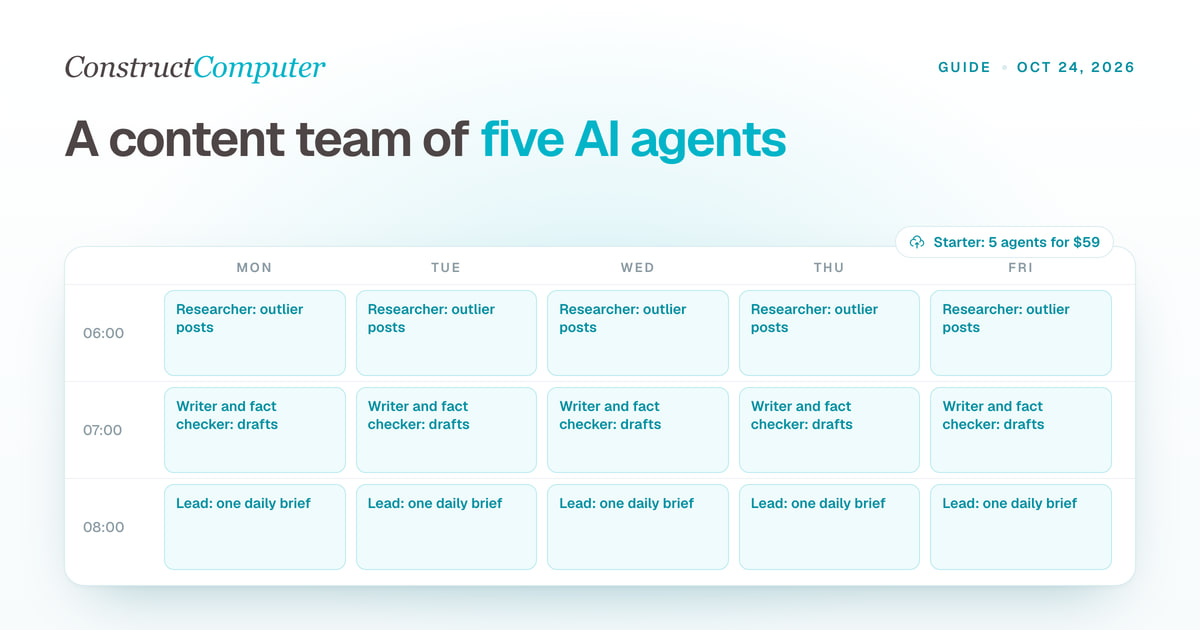
AI agents for content creation: build a content team in Construct
Set up a team of AI agents for content creation: a lead, a researcher, a writer, a fact checker and an analyst, with role prompts, schedules and a daily brief.
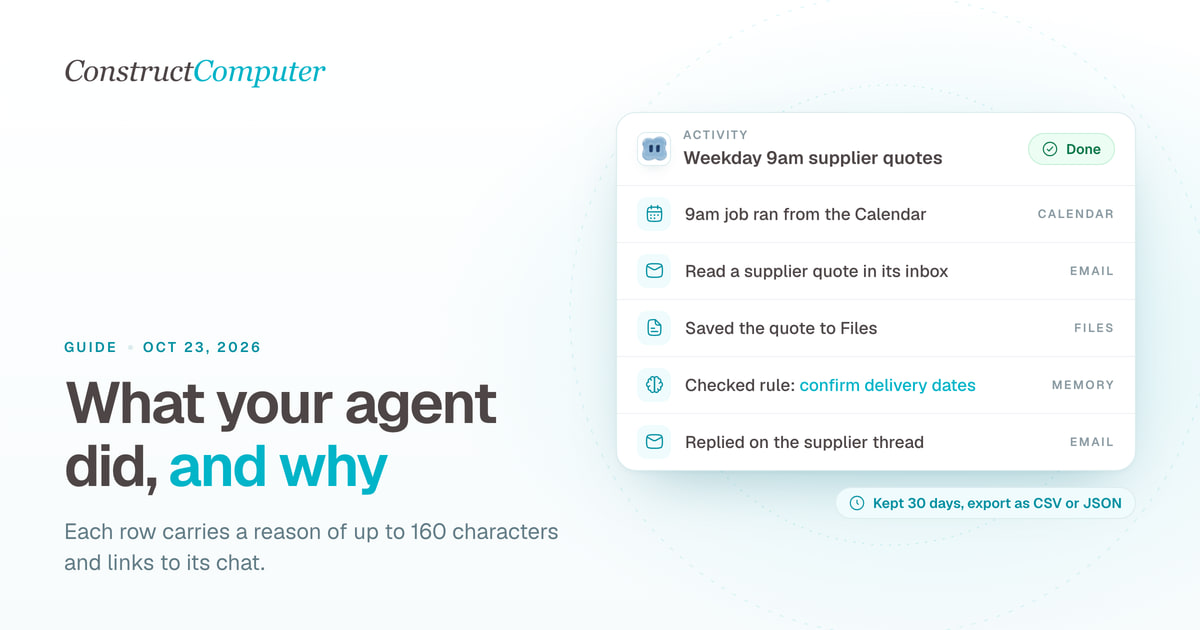
Activity log vs audit log: what an AI agent should record for a small team
An AI agent activity log shows what your agent did and why; an audit log proves it. What Construct's Activity records, keeps for 30 days, and leaves out.
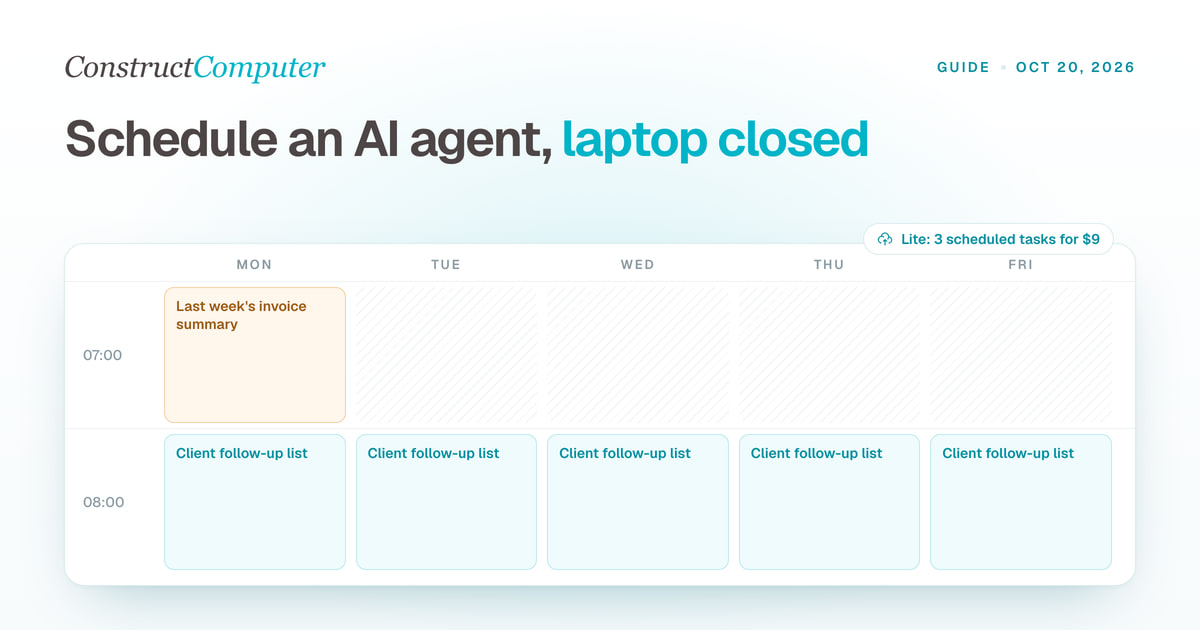
How to Run an AI Agent on a Schedule With Your Laptop Closed
Run AI agent scheduled tasks in the cloud with your laptop shut. Construct includes 3, 10, or 50 by plan, from $9 a month. Steps, prompts, and limits.
AI Email Triage for Gmail: Drafts, Not Sends
Set up AI email triage that sorts Gmail into Reply needed, FYI, and Later and drafts replies you send yourself. Exact prompts, from $9 a month.

